
When you request an interpreter, you want to know that someone qualified will be there, at the right time, with the right information.
Getting there takes some coordination. An offer needs a response. A location changes. An interpreter needs to confirm their schedule. After the appointment, someone still needs to record the time and prepare the invoice.
At International Languages, we use Fluent to keep that work organized. Most clients never see this part of our day, so we thought we’d share a little of what happens behind the scenes.
Fewer follow-ups to get an appointment on the calendar
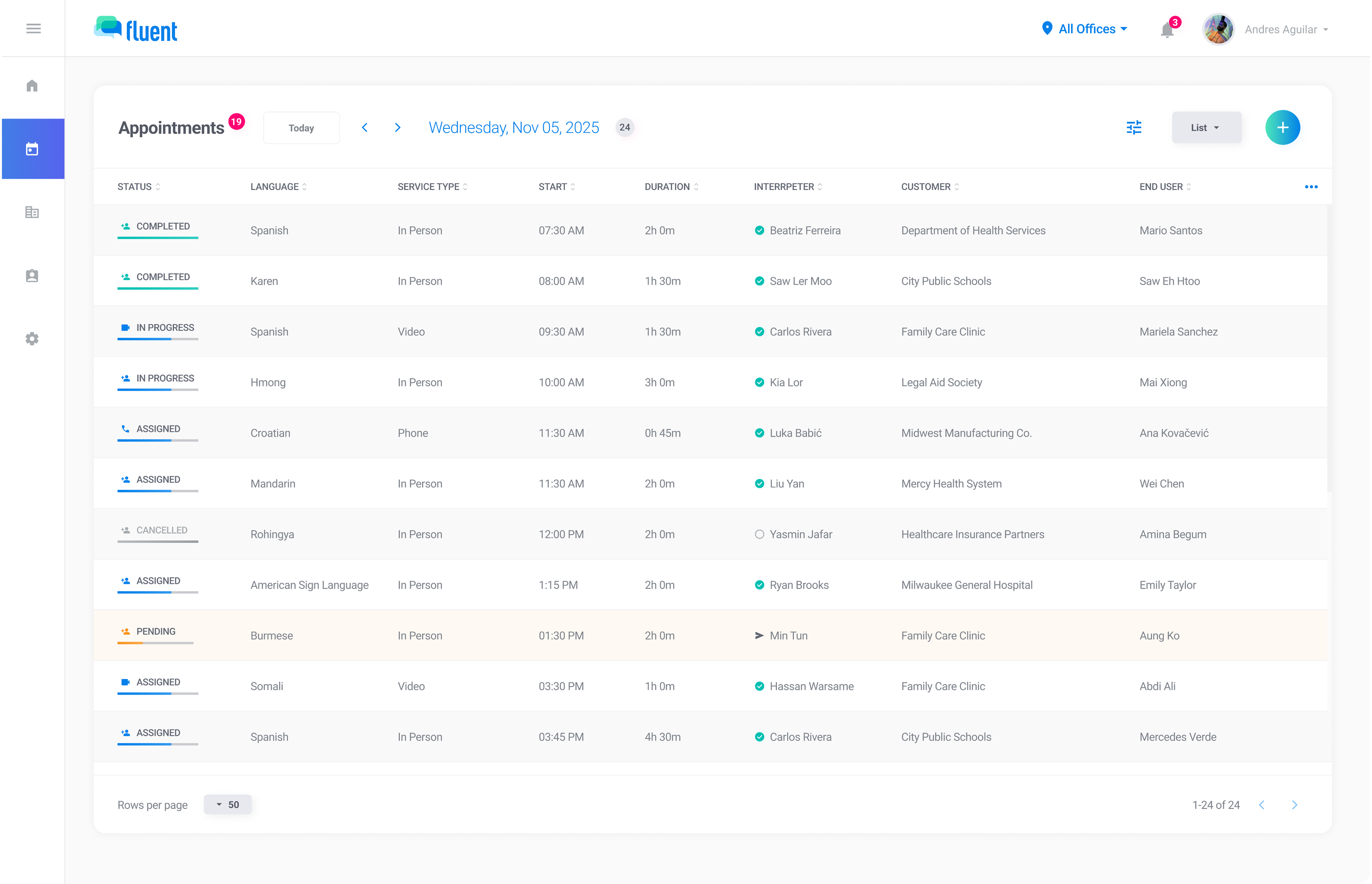
One of the things we appreciate most is being able to see where an appointment stands. Has an interpreter accepted it? Are we waiting for a response? Do we need to try someone else?
Those questions come up throughout the day. Having the answers in one place saves our schedulers from tracking down individual emails just to find out what happens next.
Finding the right interpreter also means considering qualifications, availability, and location. Fluent brings those details into the scheduling process, helping our team work through the options for each request.
An interpreter’s workday rarely happens at a desk
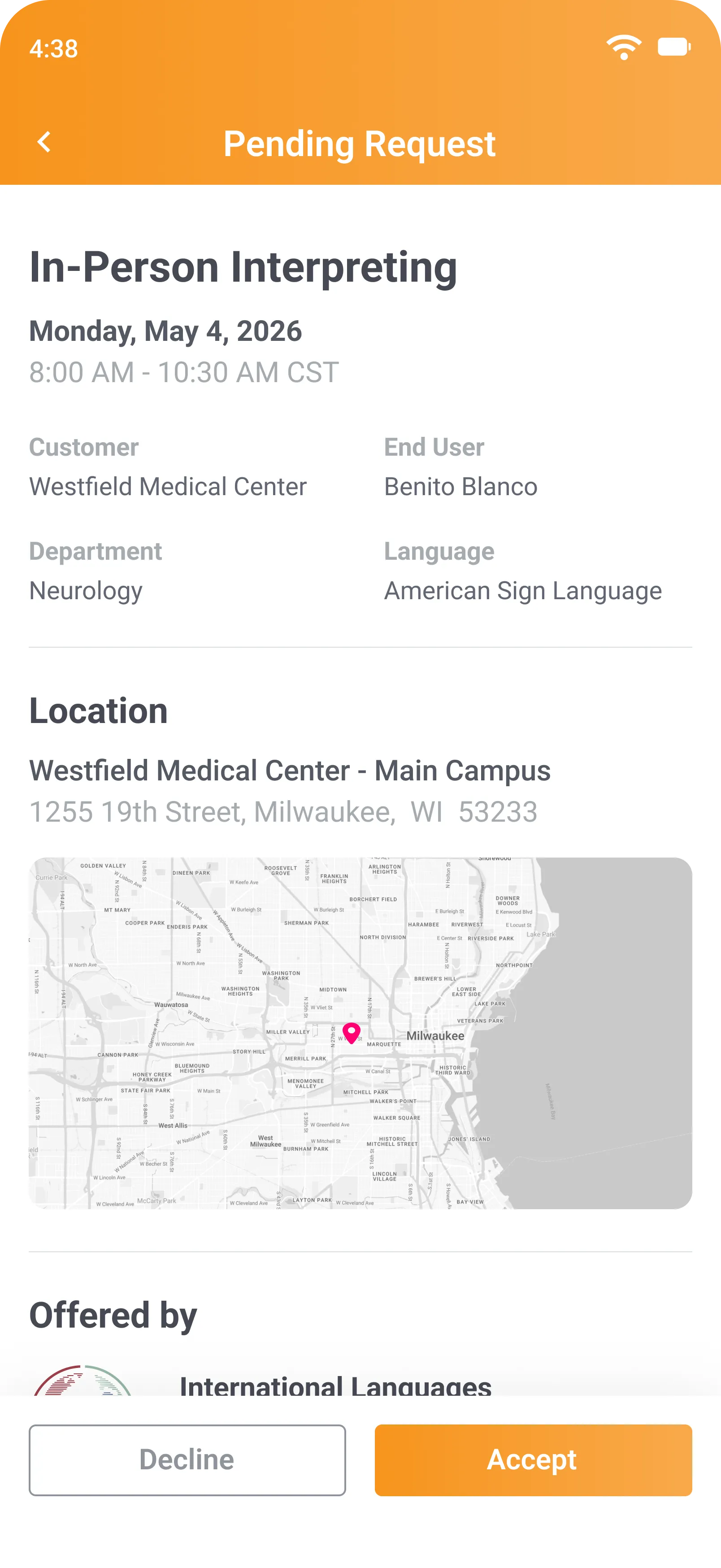
An interpreter might finish one assignment and head straight to another. Being able to manage appointments from a phone makes sense for the way they work.
Every interpreter on our team has access to the Fluent mobile app. They can review an offer and accept or decline it there, or respond through email. The time, location, and instructions are available when they need them.
For our office, a response means we know where things stand. For interpreters, it means fewer calls to make between appointments.
A second check on the day of the appointment
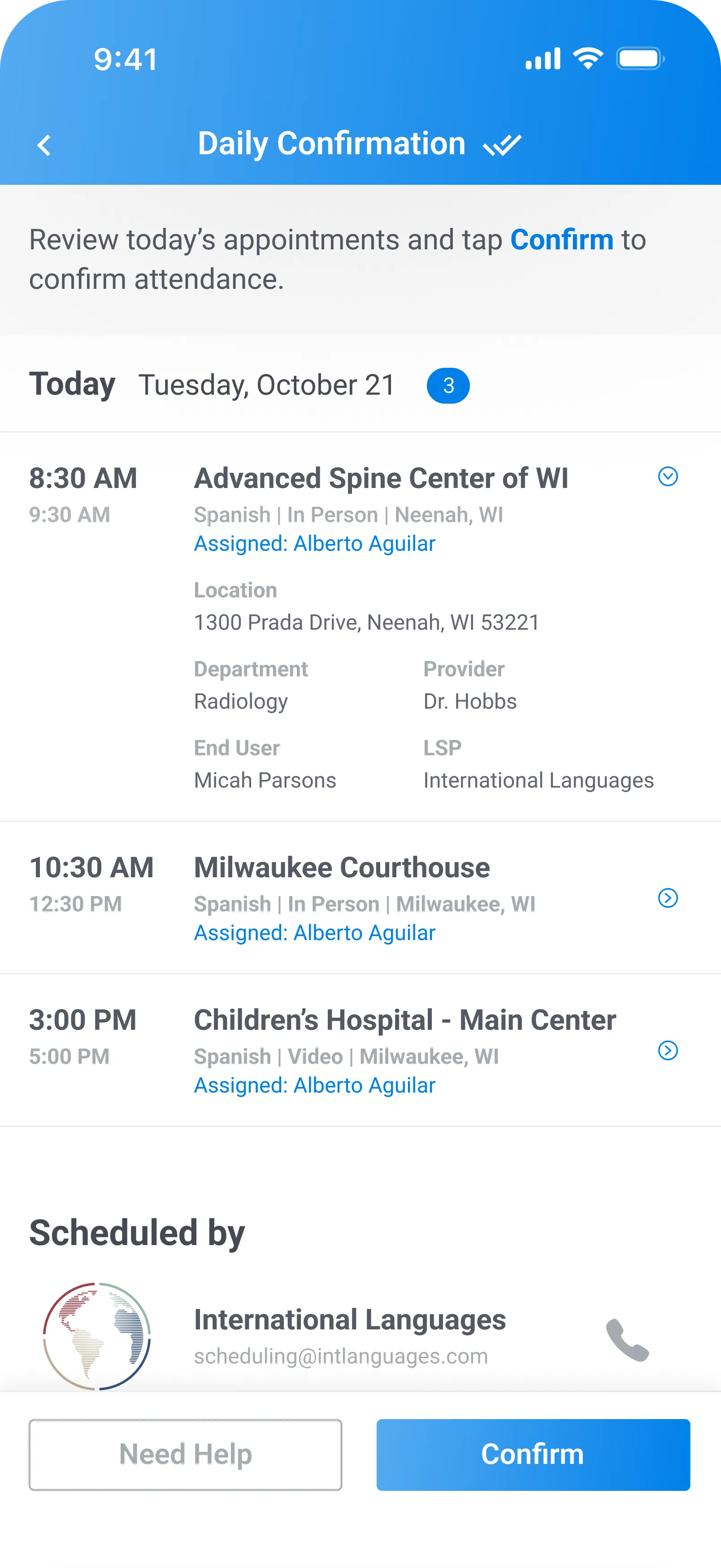
An appointment may have been accepted weeks ago. We still want to know that the interpreter has reviewed their schedule and is ready for it today.
That’s where same-day confirmations help. Interpreters confirm their attendance, and our scheduling team can see who has responded and who needs a follow-up.
We want time to address an issue before the client is waiting.
It’s a small step, but a useful one. If something needs attention, our staff have a clearer idea of where to focus.
Less paperwork after the appointment, too
Once an assignment is finished, the interpreter can submit their time and applicable mileage through the app, while the details are still fresh.
Keeping that information with the appointment saves our office time when preparing invoices. It also makes it easier to look into a particular visit when a client has a billing question.
For interpreters, it means less paperwork to catch up on later. For our staff, it means less time chasing the information needed to finish the job.
These are small conveniences individually. Across a busy schedule, they add up. Our team has more time to work through a complicated request, help with a change, or speak with a client who needs guidance.
That’s what we value about using Fluent in our daily work: it helps us give the arrangements the same care we give the interpreting.